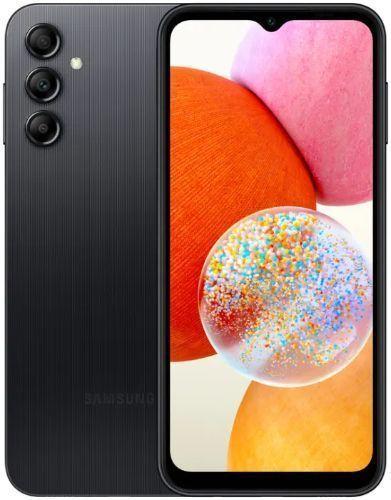
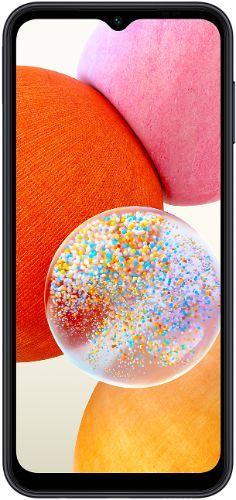
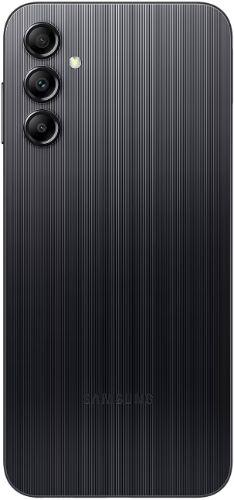
Galaxy A14 - 64GB - 4GB RAM - 2 Physical SIM - Black
Good | Standard Battery
A$171.49
48% OFF
A$171.49
48% OFF
Galaxy A14
64GB - 4GB RAM - 2 Physical SIM - Black



FREE Delivery by May 5 - 6
Galaxy A14
64GB - 4GB RAM - 2 Physical SIM - Black
A$171.49
-48%
FREE Delivery by May 5 - 6
Professionally restored with 40+ points of inspection
Sim Slot
Condition
Battery Health Guaranteed
Comes with:
Compatible Charging Cable
Shipping
Professionally refurbished and shipped by
Frequently Asked Questions
How can you take a screenshot on the used and unlocked Galaxy A14?
To take a screenshot on the used and unlocked Galaxy A14, press and hold the power button and volume down button. You will hear the shutter sound and
see a flash on the screen. Once taken, you will then see 3 options: Smart Capture, Crop/Draw, and Share.
Does the Samsung Galaxy A14 have wireless charging?
Being a budget phone, the Samsung Galaxy A14 does not have wireless charging...
 6.6 inches
 MediaTek MT6769 Helio G80 (12 nm)
 50 MP
50 MP Li-Po 5000 mAh